Pages
At the heart of any library are the pages held within. The custodian of knowledge available to all.
Storyden's Pages are malleable yet structured, facilitating a rich network of connected content. Each page has:
- Title
- Description
- URL slug (unique across all pages, can be edited)
- Assets - a list of images associated with the page itself
- Link (optional) - an external URL for associating the page with another website
- Primary image (optional) - a large cover image which is also used for social previews
- HTML-based content
- Author
- Parent node - if the page is a child of another page in the tree
- Tags - just like threads can have tags, pages can too!
- Visibility status - visibility determines whether a page is published, draft, review or unlisted
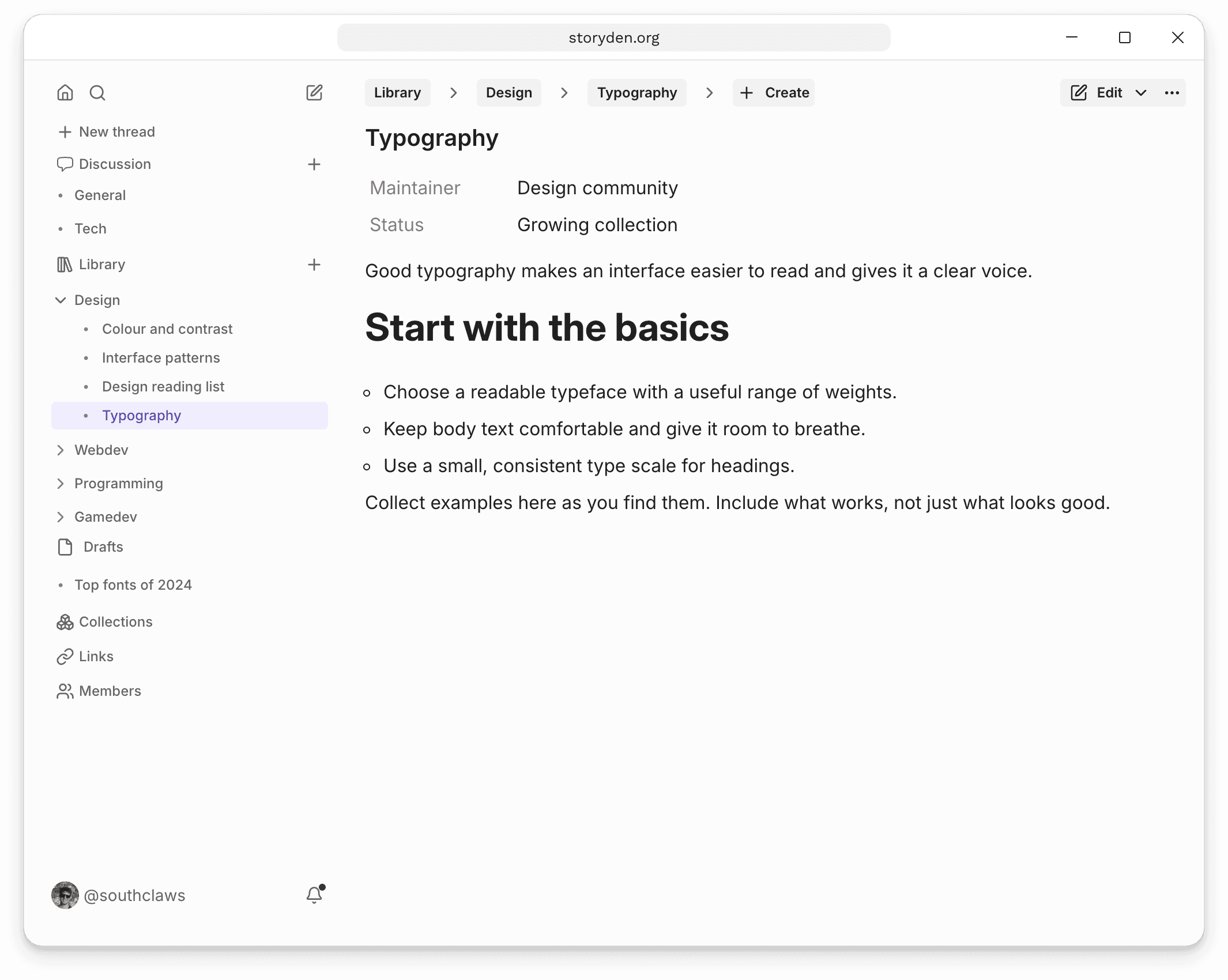
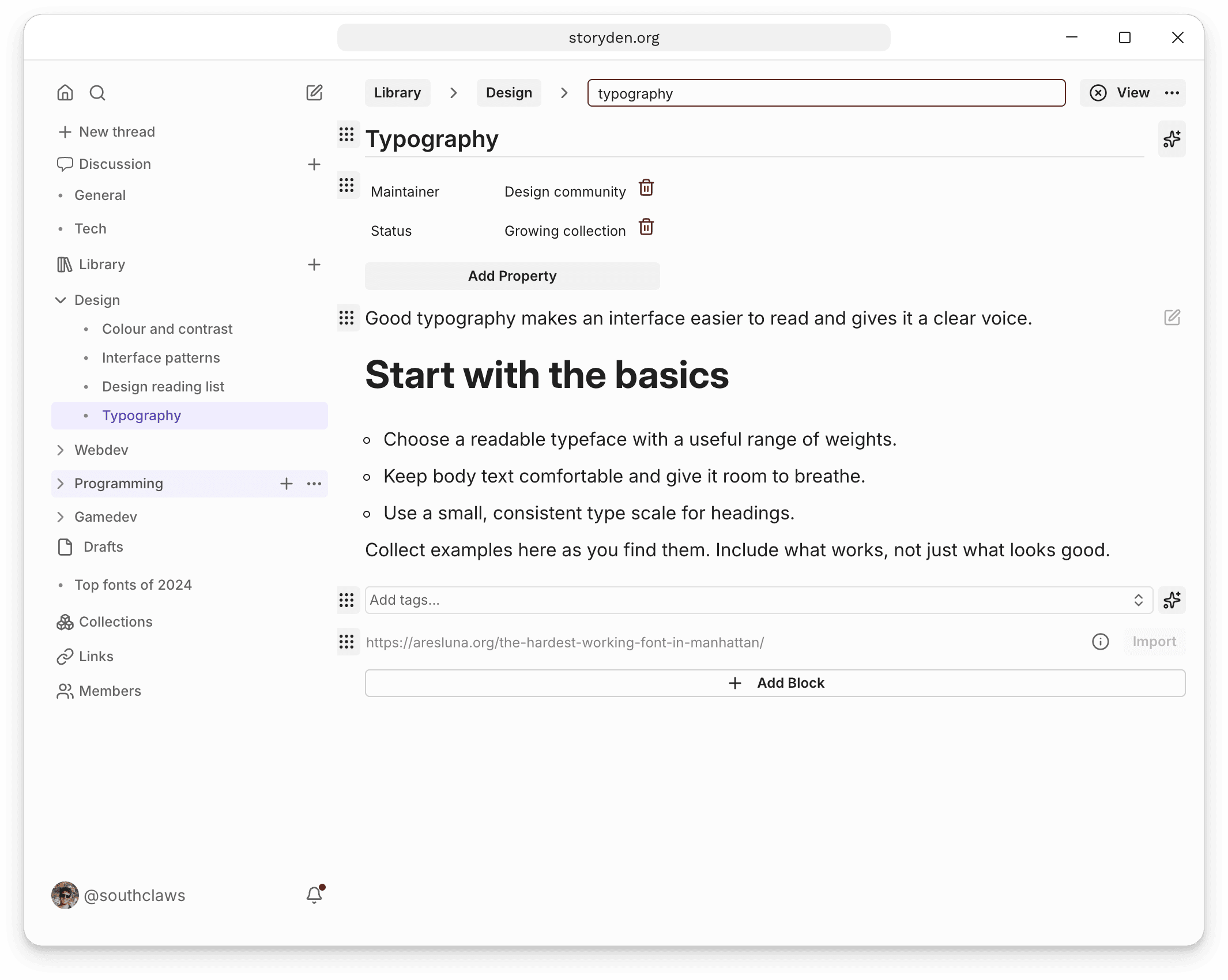
Editing a page
Open Edit → Quick edit to update a page directly. Use Add Block to add a cover image, page properties, tags, a gallery, an external link or a directory of child pages. Blocks can be moved and configured with the handle beside them.
Choose Create draft from the Edit menu when you want to prepare changes separately before applying them.
SEO Ready
In the age of GPTs, does SEO matter any more? Who knows, but Storyden provides SEO-ready pages anyway. All the standard tags are generated, as well as OpenGraph preview images.
Web pages in Storyden are also always server-side rendered, optimised for speed and crawlers.