Docker
Setting up a Storyden container with Docker
Getting an instance of Storyden online is criminally easy. There's almost zero configuration required and lots of sane defaults which you can adapt later as needed.
Note that this guide assumes you already have SSL termination set up for your server. Storyden does not accept HTTPS connections and always assumes that it's behind a load balancer or reverse proxy. We recommend Caddy as an easy to set up reverse proxy.
Running the container
You can spin up a local Storyden instance using Docker. The main Docker image includes both frontend and API services and can be started with:
docker run -p 8000:8000 ghcr.io/southclaws/storydenThis will start the full stack (API and web interface) accessible at http://localhost:8000.
After registering and adding some content, your community might look like this:
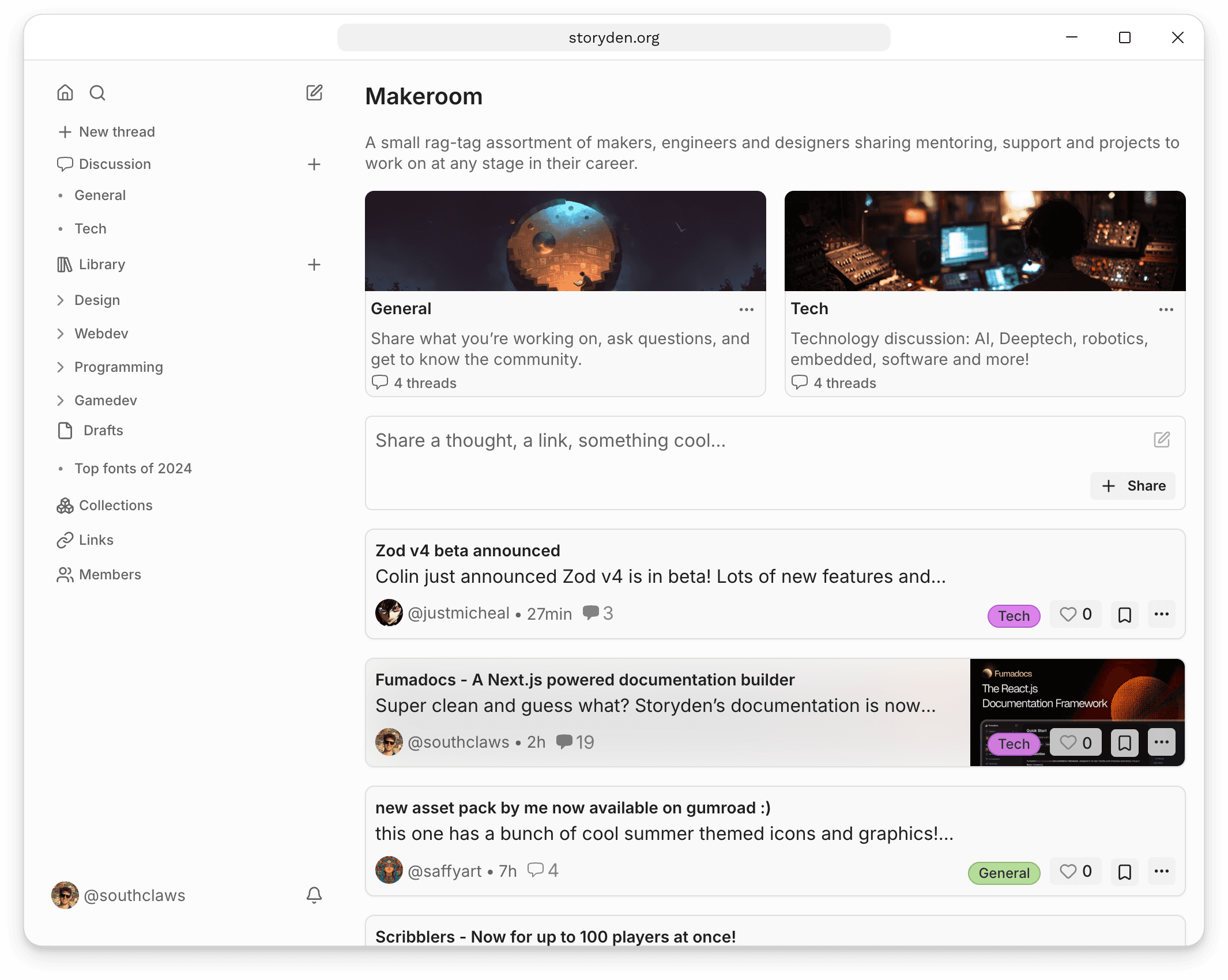
The first account that is registered will automatically be given the Admin role which provides you all permissions. When deploying a new public instance, be careful with how long you leave the freshly deployed instance without registering the admin account.
API only
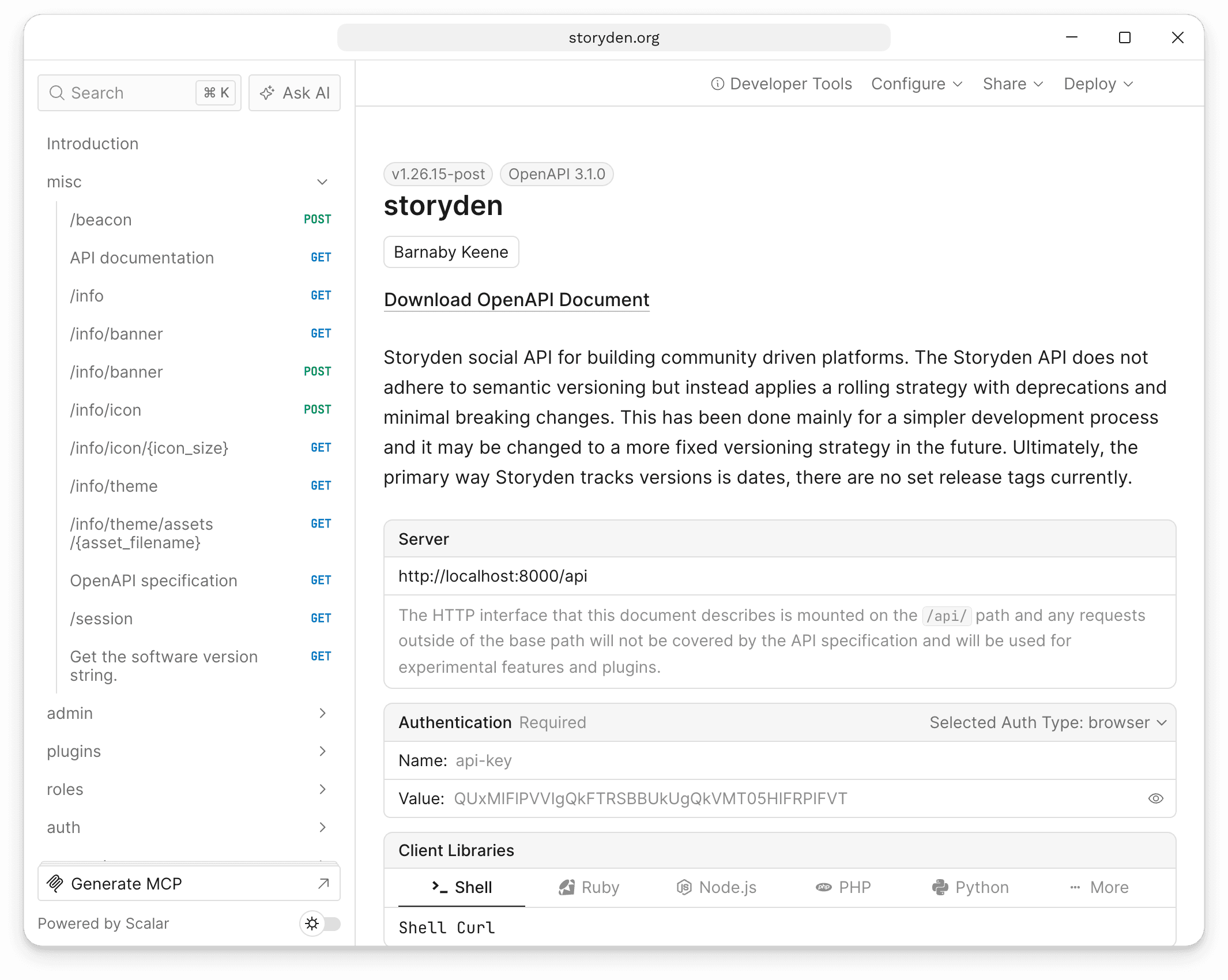
If you're looking to just play with the API, you can run the API-only container image:
docker run -p 8000:8000 ghcr.io/southclaws/storyden:edge-backendThis will run the API at http://localhost:8000 and you can check the OpenAPI documentation at http://localhost:8000/api/docs.
All CORS and cookie rules are default configured to support localhost:8000 out of the box.
Configuration
When running a production instance of Storyden, you must set some configuration values to ensure basic functionality and security.
Storyden's infrastructure-level configuration is applied via environment variables. You can read more about the available options here.
For this guide, we'll focus on the bare minimum to get up and running.
PUBLIC_WEB_ADDRESS
This is the frontend address, or, the URL users will visit in their browser. More info.
Example: PUBLIC_WEB_ADDRESS=https://the-secret-agent.club
PUBLIC_API_ADDRESS
This is the API address, where the web frontend sends API calls. More info.
Example: PUBLIC_API_ADDRESS=https://api.the-secret-agent.club
These can be the same, for example when running the full-stack image and both your browser requests and API requests go to the same container. In this case, set both environment variables to the same value.
Check your addresses
The web server checks that the public addresses and any SSR_API_ADDRESS are
complete HTTP or HTTPS URLs when it starts. If an address is malformed, startup
fails with an error naming the environment variable to fix. An internal HTTP
SSR_API_ADDRESS can be used with public HTTPS addresses.
Den Doctor checks these addresses before the first account is created and in Admin → System settings. If it finds a problem, it explains what to change in your deployment configuration. Restart Storyden after changing the addresses.
The simplest setup uses the same address for the website and API. When hosting
them separately, use the same scheme for both and hostnames that can share
Storyden's sign-in cookie. For example, https://community.example.com for the
website and https://api.community.example.com for the API work together.
Sibling hostnames such as www.example.com and api.example.com do not share
Storyden's current session cookie with the website.
Host the supplied web app at the root of a hostname, rather than a sub-path such
as example.com/community. The API address normally also points to a root
address: Storyden adds /api when making requests. An intentional API path
prefix needs custom reverse-proxy routing, including forwarding API, asset and
discovery requests to the backend correctly; setting the address alone does not
configure that routing.
The public API address must be reachable from visitors' browsers. A localhost
address points to each visitor's own computer. For container-only connections,
use SSR_API_ADDRESS instead; the full-stack image configures this automatically.
Mounting /storyden/data
Storyden does not depend on external services by default, so unless you specify, persistent storage such as the database and assets are stored on the local disk.
- If you haven't specified a
DATABASE_URLa local embedded SQLite database will be used. - If you haven't specified a
ASSET_STORAGE_TYPEuploaded files will be stored to disk.
The Docker image data directory is /storyden/data which is set as a volume by default, if you want to mount a local directory instead of a Docker-managed volume, you can specify the --volume flag and bind it to a directory on your host machine's filesystem.
All together
Using Docker's managed volume:
docker run \
  --name storyden \
  --publish 8000:8000 \
  --env PUBLIC_WEB_ADDRESS=https://the-secret-agent.club \
  --env PUBLIC_API_ADDRESS=https://api.the-secret-agent.club \
  ghcr.io/southclaws/storyden
Or with a directory mounted into the container:
docker run \
  --name storyden \
  --publish 8000:8000 \
  --volume /my/local/storyden/data:/storyden/data \
  --env PUBLIC_WEB_ADDRESS=https://the-secret-agent.club \
  --env PUBLIC_API_ADDRESS=https://api.the-secret-agent.club \
  ghcr.io/southclaws/storyden
Next Steps
For a public deployment, expose your instance through a reverse proxy that provides HTTPS. Storyden itself accepts HTTP connections.
HTTP is also supported for local and trusted internal networks. Set PUBLIC_WEB_ADDRESS and PUBLIC_API_ADDRESS to the URLs used by your browser, using the same scheme for both. Session cookies omit the Secure flag when PUBLIC_API_ADDRESS uses http://; HTTPS API addresses retain the flag.
We recommend using something like Caddy or Traefik to act as a reverse proxy that handles HTTPS.
Alternatively, you can expose Storyden's container on port 80 and use Cloudflare to handle SSL termination.
--publish 80:8000