Event triggers
Start a Robot task when something happens in the community.
Complete Robot setup and test the Robot before enabling an event Trail.
Choose Event instead of Schedule, then select one or more events. Each matching event can start a run. The picker includes content, account, report and other community events.
For example, Node published is the event for publishing a Library page. A Library review Robot can read the affected page and suggest missing context without changing the page itself. Using publication as the trigger gives the author time to write the page; Node created may fire while it is still an empty draft.
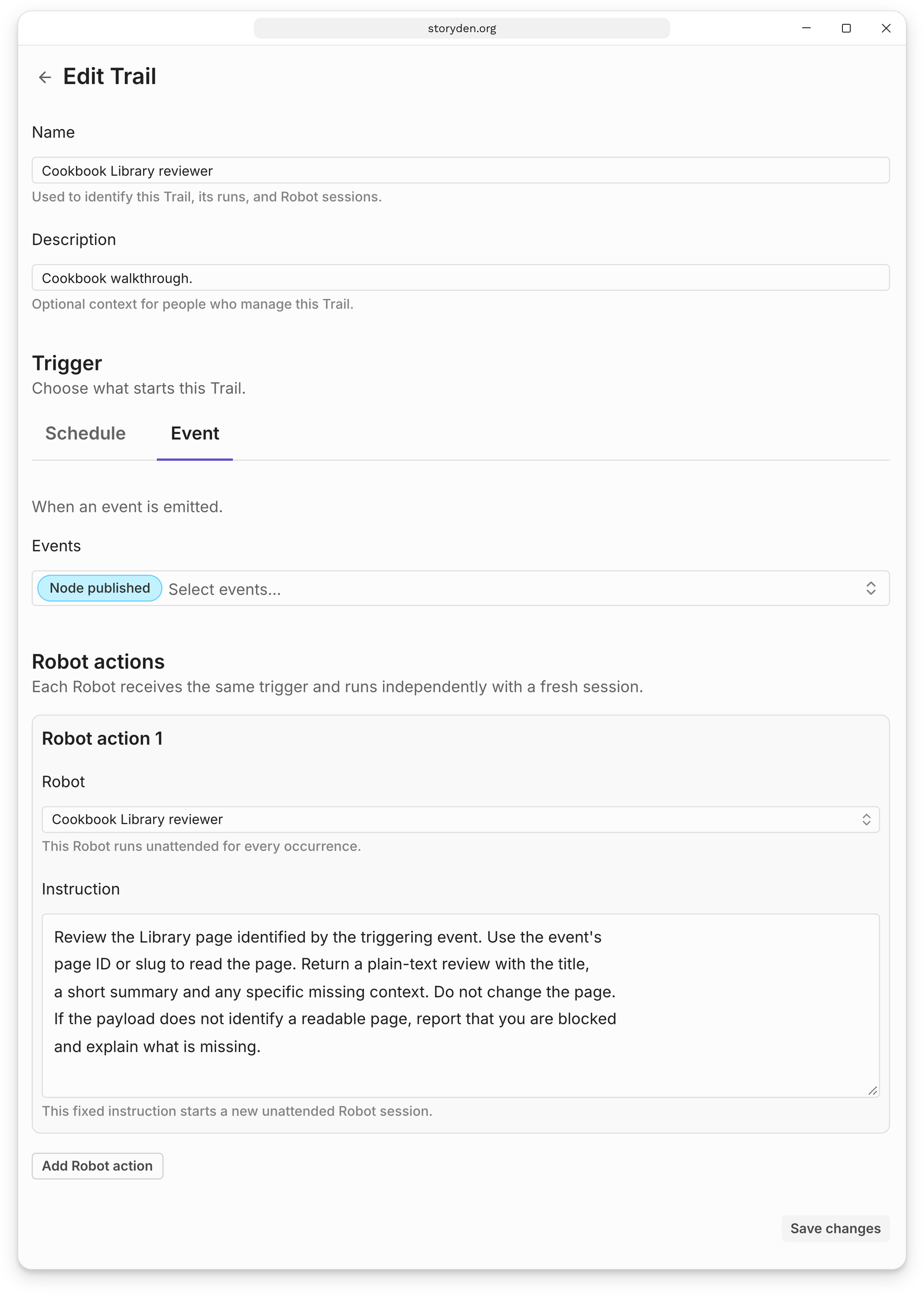
The Robot receives the event name and payload with its instruction, so refer to “the page identified by the triggering event” rather than a fixed page ID. The payload identifies what happened; it is not an instruction from the member who created the content.
Keep the action's scope in mind when choosing events. An action that updates a page can itself emit Node updated. Subscribing to the same event your Robot produces can create a repeating cycle.
Test with a real event
An event instruction receives the event payload only when a matching event actually occurs. Run now creates a manual run, so it cannot stand in for a new page or report event.
The Library page review recipe walks through publishing a page, finding its run and inspecting the result. Pause the Trail when you finish experimenting.
Events are handled as they arrive. Creating or resuming a Trail does not review earlier community activity.